


Coming soonFor iOS & Android

Paint by numbers – with your own photos

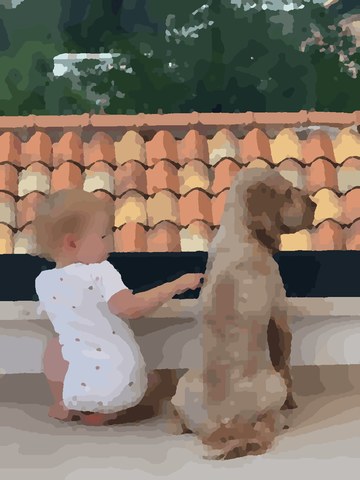
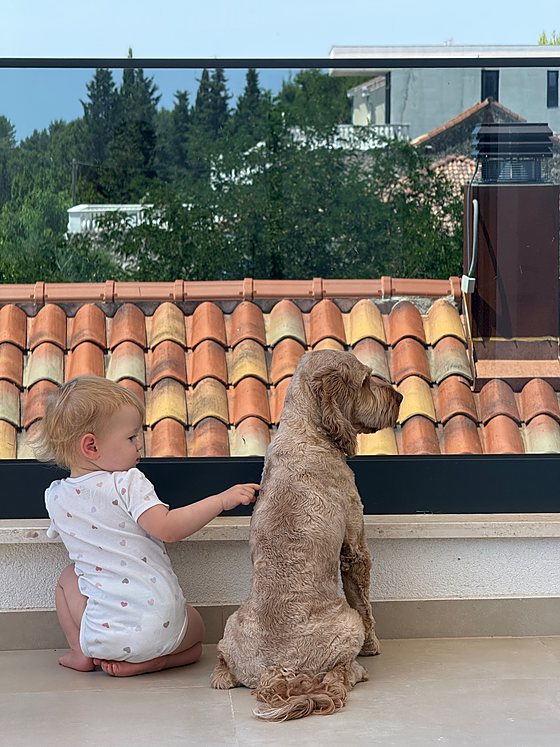
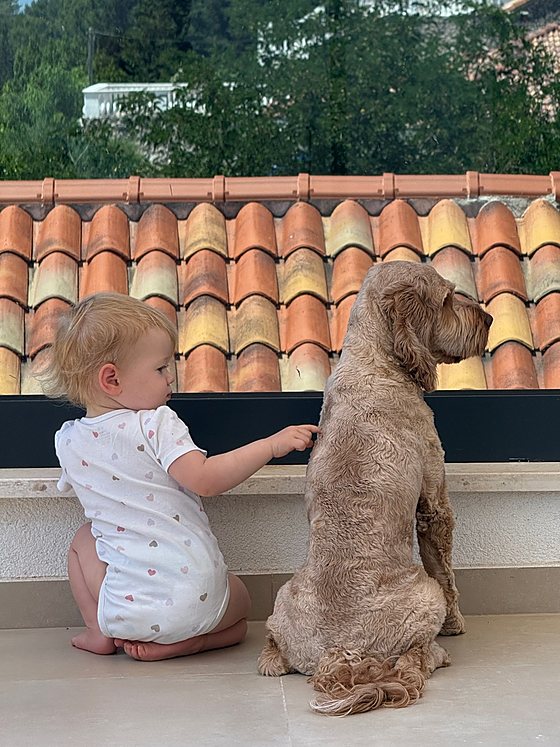
PhotoPaint turns your photos into real painting templates: numbered fields you colour in, one by one, on your smartphone or tablet. Relive your favourite moments and share your finished work with others.

Coming soonApp Store Coming soonGoogle Play How it works
Starter level free forever
No ads
Photos stay on your device

How your photo becomes a template

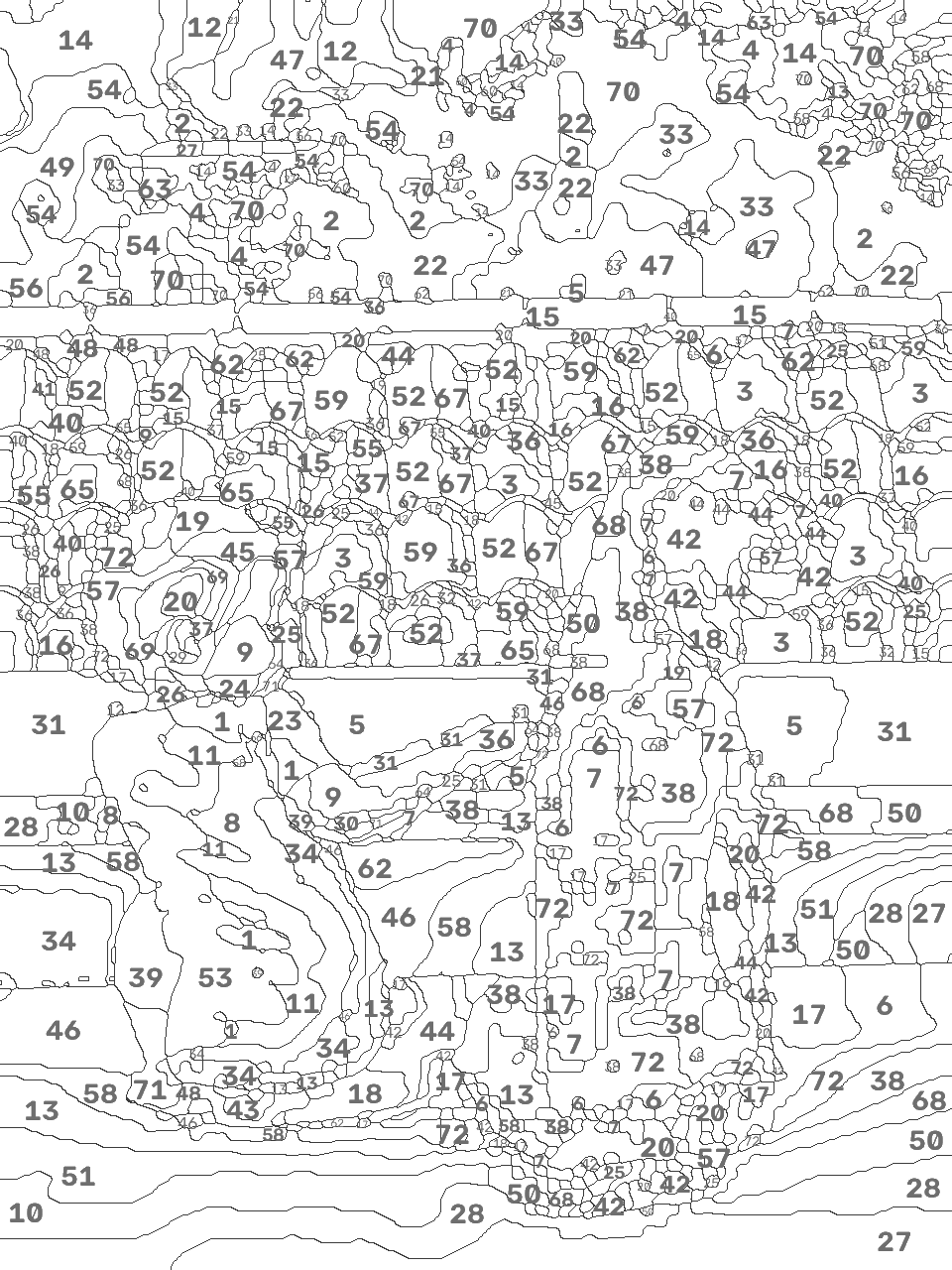
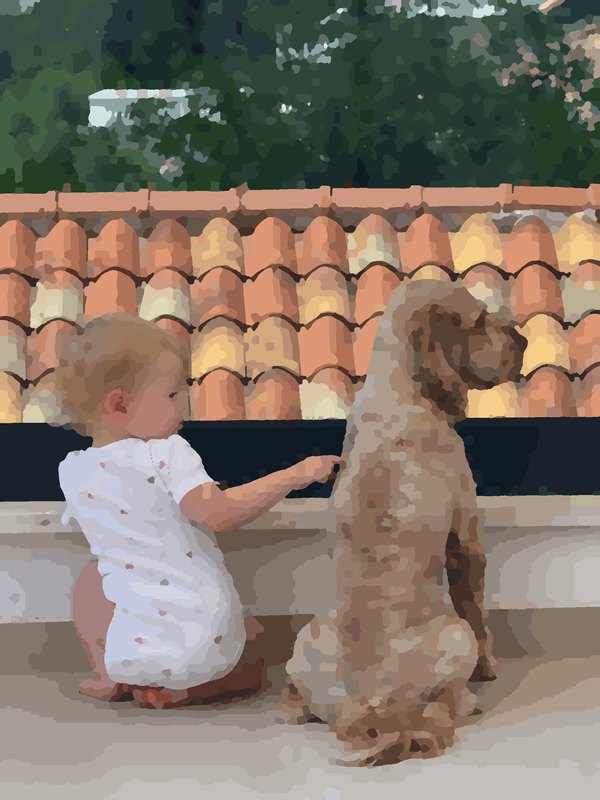
Your photo is turned into individual areas with numbers. You then paint it in, field by field.

1

Pick a photo

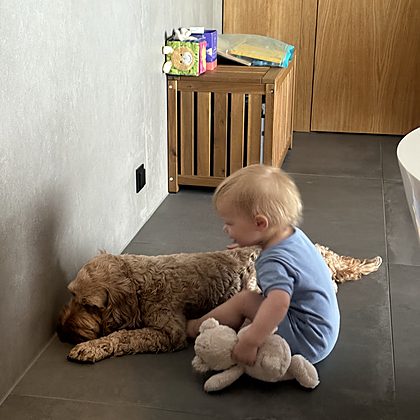
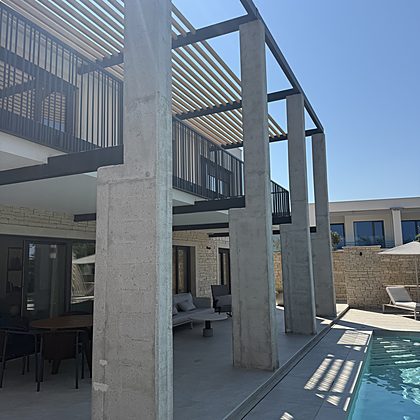
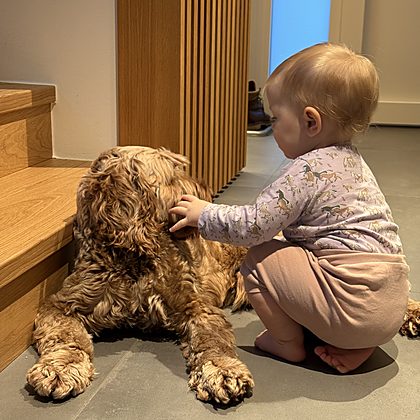
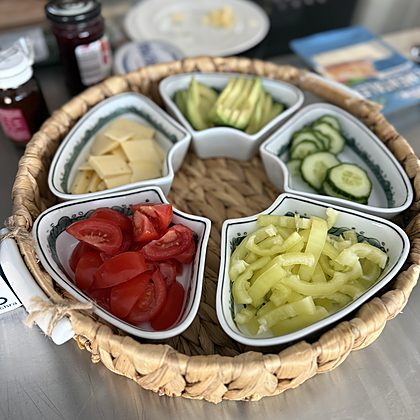
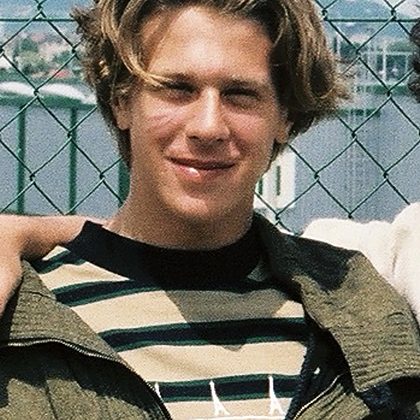
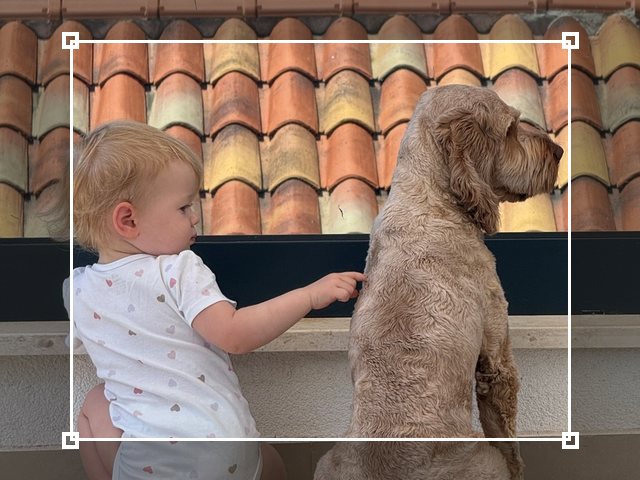
A portrait, your pet, that holiday moment – straight from your photo library.

2

Watch the conversion

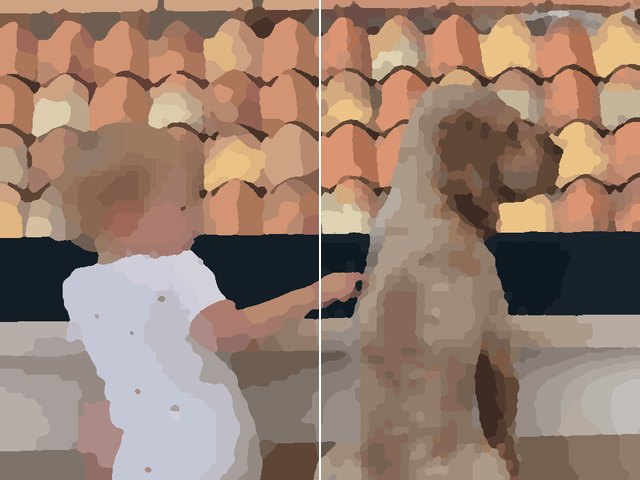
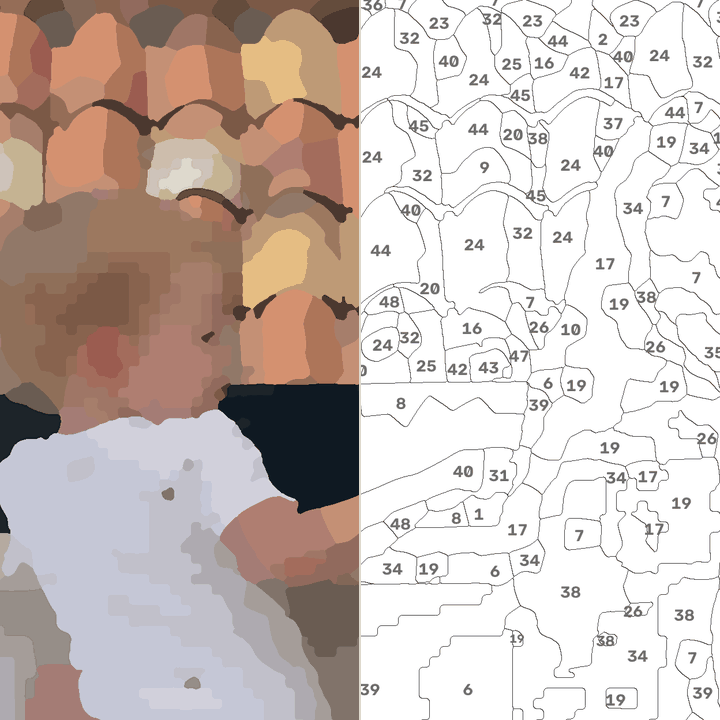
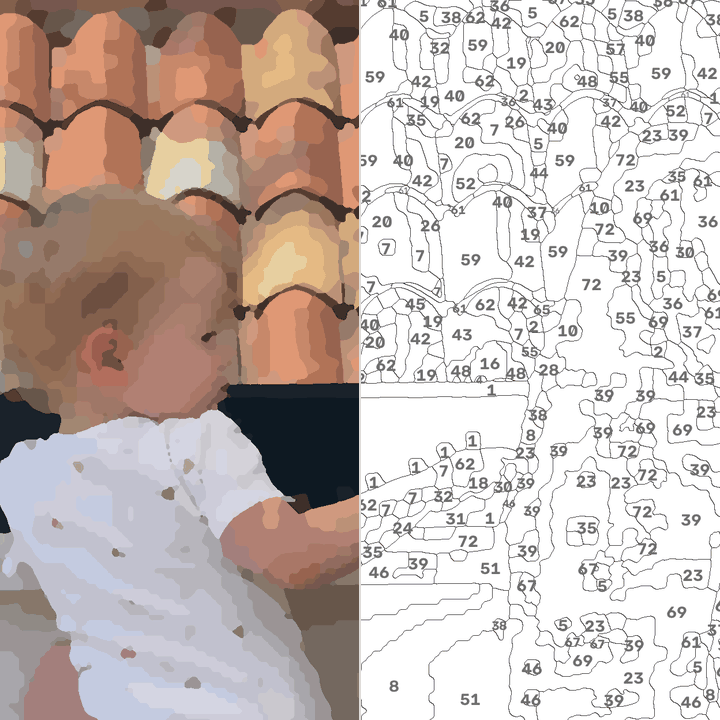
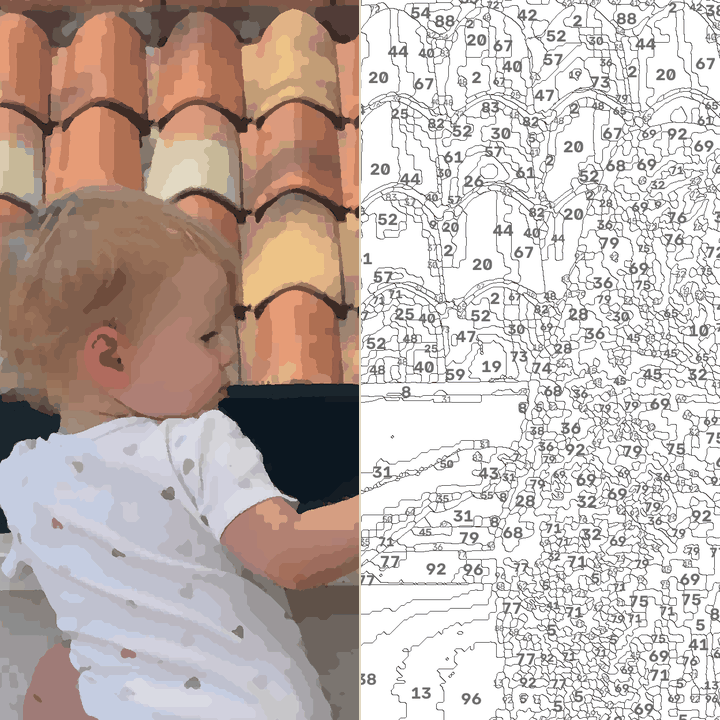
From photo to colour fields to the white numbered template – computed on your device, in about a second per level.

3

Choose a level

For every level you see result and template side by side. You know beforehand what you are getting into.

4

Paint

Zoom, pick a colour, tap. The light bulb shows you the next field, and finished colours disappear from the palette.

Three levels, one photo

Previewing all three levels is always free – you only pay when you actually want to paint a finer level.

Starter

Free forever
Around 600 fields

Painted in one long coffee break. Unlimited and free – no ads.

Detail

Around 2,500 fields

One to two hours of calm – much closer to the photo, without becoming a project.

Artist

Several thousand fields

A project for long evenings – closest to the original.

Honest pricing: subscription €4.99 per month or €29.99 per year with unlimited conversions – or credits without a subscription: 3 conversions for €2.99, 10 for €7.99. Your first finer conversion is free, at the level you choose.

The story behind it

How a little time-out became PhotoPaint
Harald Trautsch
Founder of PhotoPaint

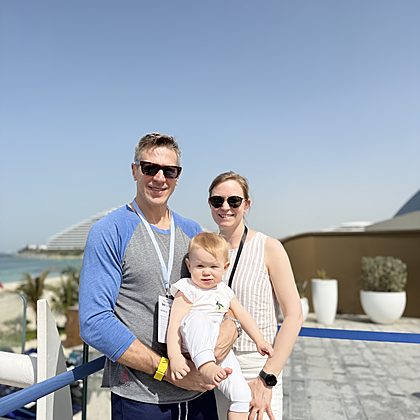
The idea for PhotoPaint was born at home. My wife has long used a colouring app to wind down – with an audiobook in her ear or a familiar series in the background. With our little daughter such moments are rare, which makes them all the more precious. When I took a closer look at the app, I loved the idea immediately. Only the pictures felt arbitrary. How much more personal would it be, I thought, if you could paint your own photos instead?

We searched for an app that could do this, but found nothing that truly convinced us. So I started building PhotoPaint. From the very beginning it mattered to me that it would not just produce beautiful colouring pictures – personal memories should stay personal. That is why photos are processed directly on your device and never have to be uploaded to any server. Many attempts, a purpose-built model and my wife’s honest – sometimes merciless – feedback brought us, step by step, closer to the app we had wished for ourselves.

Today PhotoPaint turns favourite photos into little time-outs. As you paint, a familiar picture becomes a special moment once again – colour by colour. And sometimes more than a finished picture emerges: a loving memory, or a personal greeting that tells someone special:

“I was thinking of you.”
Your photos stay yours

Everything happens right on your smartphone or tablet – including the conversion. Your photo never leaves your device, and nobody trains models on your pictures.

No upload
No account
Computed on device

What else is inside

Time-lapse

Watch your picture come to life again, tap by tap.

Gallery

Several works at once – your progress is saved automatically.

Sharing

Your finished work – without numbers and outlines.

Light & dark

For the balcony as much as the couch at night.

Frequently asked questions

What is paint by numbers with your own photos?

Paint by numbers splits a picture into numbered fields – each number stands for a colour. PhotoPaint creates this template not from stock motifs but from your own photo, and you paint it in on your smartphone or tablet, field by field.

How does my photo become a template?

The app breaks your photo down into colour fields and numbers – in about a second per level, entirely on your device. You watch the conversion in three steps: from photo to colour fields to the white template.

How much does PhotoPaint cost?

The starter level is free forever, with no ads. Detail and Artist are available as a subscription (€4.99 per month or €29.99 per year) or as credits without a subscription (3 conversions for €2.99, 10 for €7.99).

Do my photos stay private?

Yes. The conversion runs on your device; there is no upload and no account, and your pictures never train AI models. Your photo does not leave your device.

Which devices does PhotoPaint run on?

PhotoPaint is coming to iPhone and iPad as well as Android phones and tablets. The iOS version launches first, with Android to follow.

Do I need any experience?

No. You pick the level that suits you, the light bulb shows you the next field, and finished colours disappear from the palette.

PhotoPaint App-Icon

Bring your favourite photo to the canvas

To wind down after a full day. As a gift with time in it. And for that one photo that deserves more than sitting in your library.

Coming soonApp Store Coming soonGoogle Play

PhotoPaint is coming soon for iOS and Android – the starter level stays free, no ads.