
Press kitFor editors and journalists

PhotoPaint — Press Kit

PhotoPaint turns personal photos into paint-by-numbers projects on iPhone and iPad — converted on the device, painted one tap at a time. Everything on this page may be used for editorial coverage of PhotoPaint.

Last updated 7 September 2026 · Press contact: contact@healthspan.eu

Fact sheet

The essentials at a glance. Prices are shown inside the app and differ by country, which is why none are listed here.

What it is
A paint-by-numbers app for iPhone and iPad that turns the user's own photos into numbered painting templates. The photo is converted on the device and painted on screen, field by field.
Name in the App Store
PhotoPaint — Paint by Numbers · subtitle “Turn your own photos into art” · apps.apple.com/us/app/photopaint-paint-by-numbers/id6804426190
Launch
Version 1.0 on 4 September 2026 in Austria, Germany, Switzerland and Luxembourg.
Version 1.1 on 7 September 2026 worldwide, in all 175 App Store markets.
New in 1.1
Works are kept in the user's own iCloud, so they survive deleting the app or changing devices and are available on iPhone and iPad alike. The app is fully available in German and English, including the legal texts, with a language switch in the menu.
Platforms
iPhone and iPad (one universal app), iOS 17 or later.
Languages
German and English.
Detail levels
Starter · 48 coloursDetail · 72 coloursArtist · 96 colours
How many fields a level produces depends on the photo. All three levels are computed and shown as a preview before any purchase.
Pricing model
The Starter level is free without limits and without ads. The finer levels, Detail and Artist, are available through a subscription or one-off credit packs. The first finer conversion is free, at the level the user chooses.
Privacy
The entire photo conversion happens on the device. No photo uploads, no account, no advertising, no tracking or analytics, no third-party SDKs. Works are stored on the device and in the user's own iCloud, never on the maker's servers.
Features
Crop suggestion, three-step conversion shown live, side-by-side preview of every level, painting with zoom and tap snapping, a light-bulb hint for the next field, automatic saving of progress, a gallery for several works at once, a shareable time-lapse of the painting, sharing of the finished picture without numbers and outlines, light and dark mode.
Accessibility
VoiceOver labels on the colour palette (colour number and number of open fields), light and dark mode, language switch inside the app.
Maker
healthspan GmbH, Vienna, Austria.
Founder
Harald Trautsch, Vienna.
Website
photopaint.app/en/ (English) · photopaint.app/de/ (German) · Help and FAQ
Press contact
contact@healthspan.eu

The story

Why PhotoPaint exists
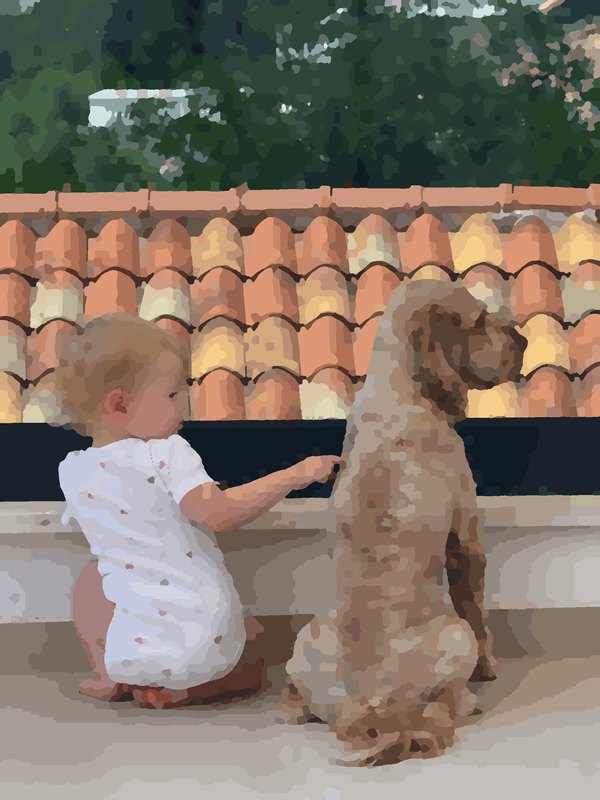
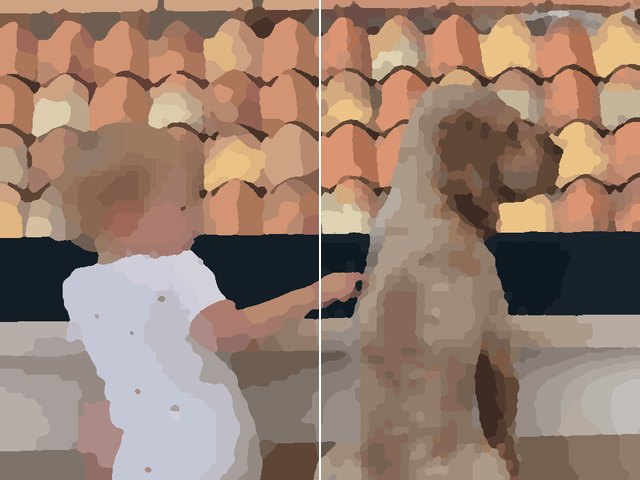
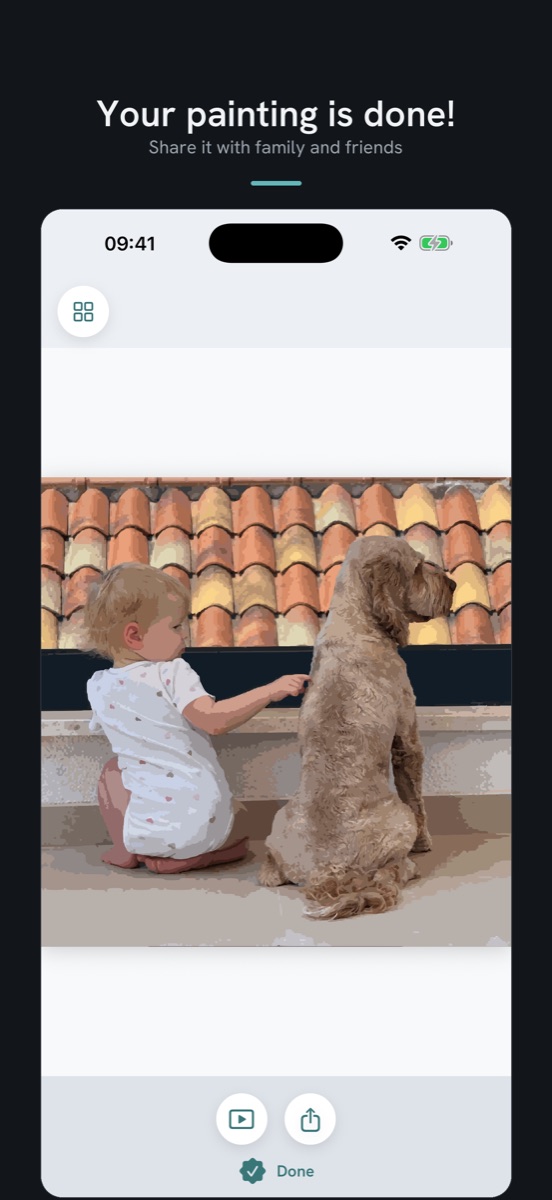
The finished painting of a child and a dog at Detail level
Detail level · 1,934 fields

I'm Harald Trautsch, PhotoPaint's founder in Vienna, Austria. My wife enjoys colouring to unwind, often while listening to an audiobook. Watching her, I wondered: what if the pictures were our own memories? That question became PhotoPaint. Her honest feedback shaped the experience, while one principle guided development: personal photos should stay personal. PhotoPaint combines a familiar pastime with pictures that already mean something to the person painting them.

Harald Trautsch
Founder of PhotoPaint

The quote may be used verbatim with attribution. A founder photo is available on request.

About PhotoPaint — boilerplate

A favourite pet, a family moment, an unforgettable holiday: PhotoPaint turns personal photos into paint-by-numbers projects on iPhone and iPad.

Users watch their photo become numbered colour fields, then bring it back to life, one tap at a time. Three detail levels offer everything from a short creative break to a project for several evenings. Progress saves automatically, and a shareable time-lapse lets users watch their painting unfold again.

The entire photo conversion happens on the device. No photo uploads, no account, and no advertising. The Starter level is permanently free, with unlimited conversions. Finer-detail projects are available through subscriptions or one-off credit packs.

Newly released and available in all 175 App Store markets, PhotoPaint invites people to spend time with the photos they love—not just scroll past them.
How it works

Four steps from a photo to a painted picture — the same steps the App Store listing describes.

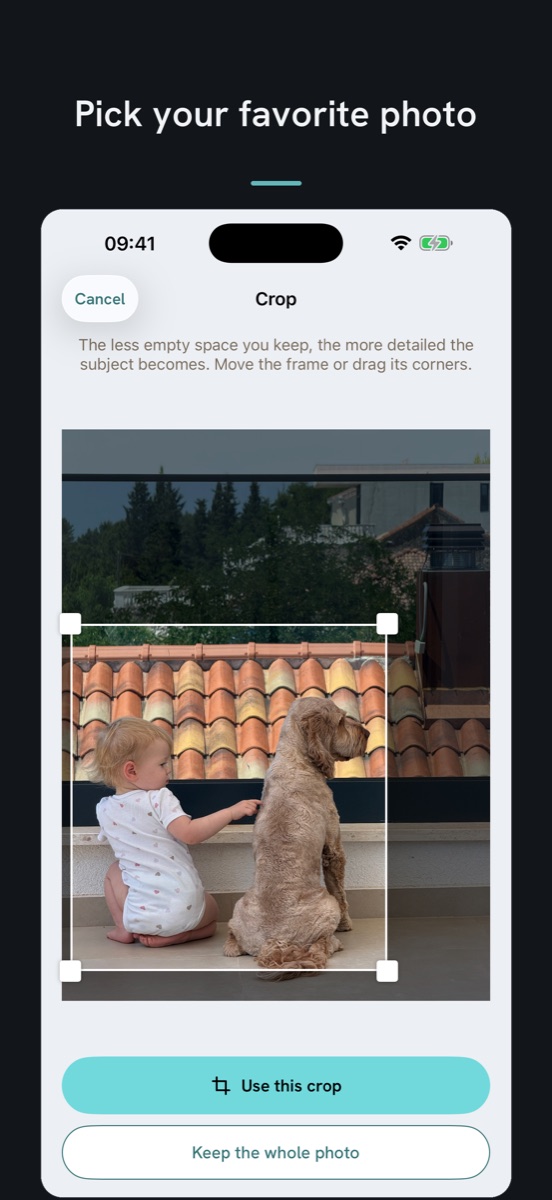
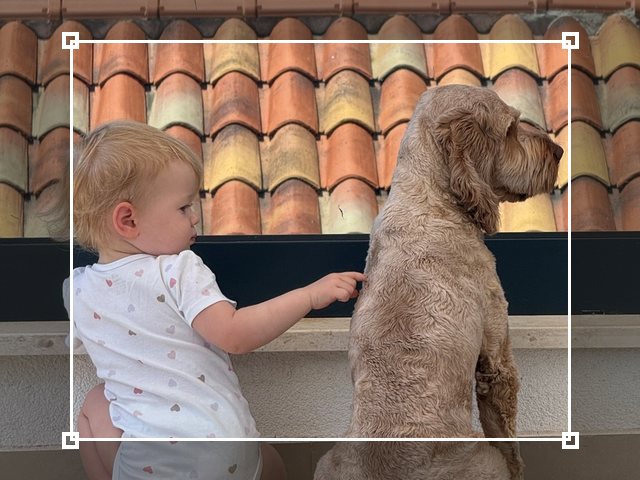
The photo with the crop frame
1

Pick a photo

A portrait, your pet, that holiday moment. A crop suggestion helps you make the subject big; you can move it or keep the whole picture.

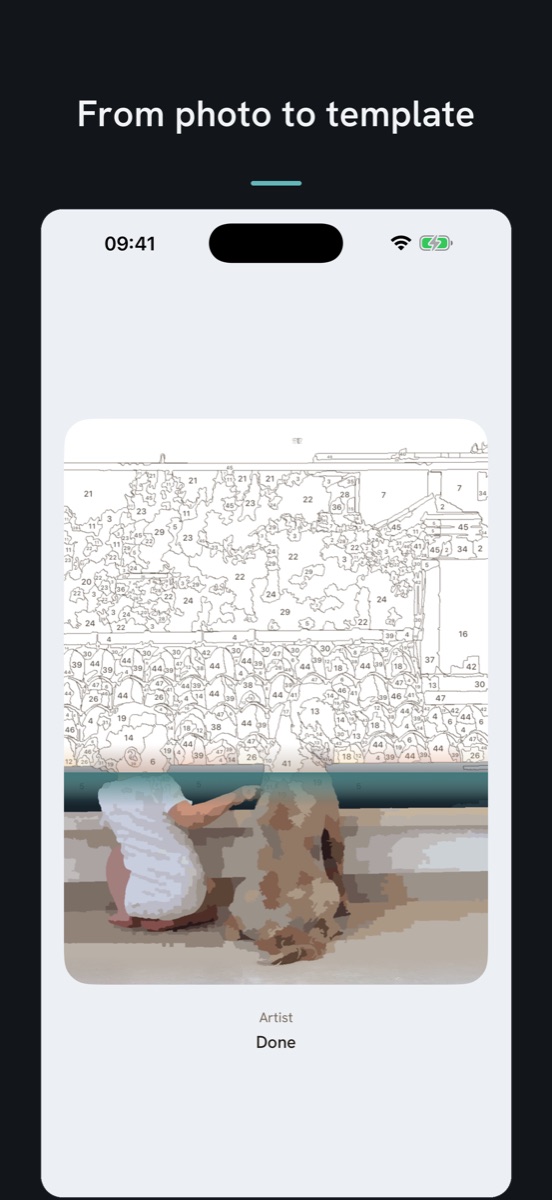
The white numbered template
2

Watch the template appear

The conversion shows you in three steps what happens to your photo — from the picture to the colour areas to the white template with numbers. Everything is computed right on your device, in about a second per level.

Choosing a level: Starter on the left, Detail on the right
3

Choose your level

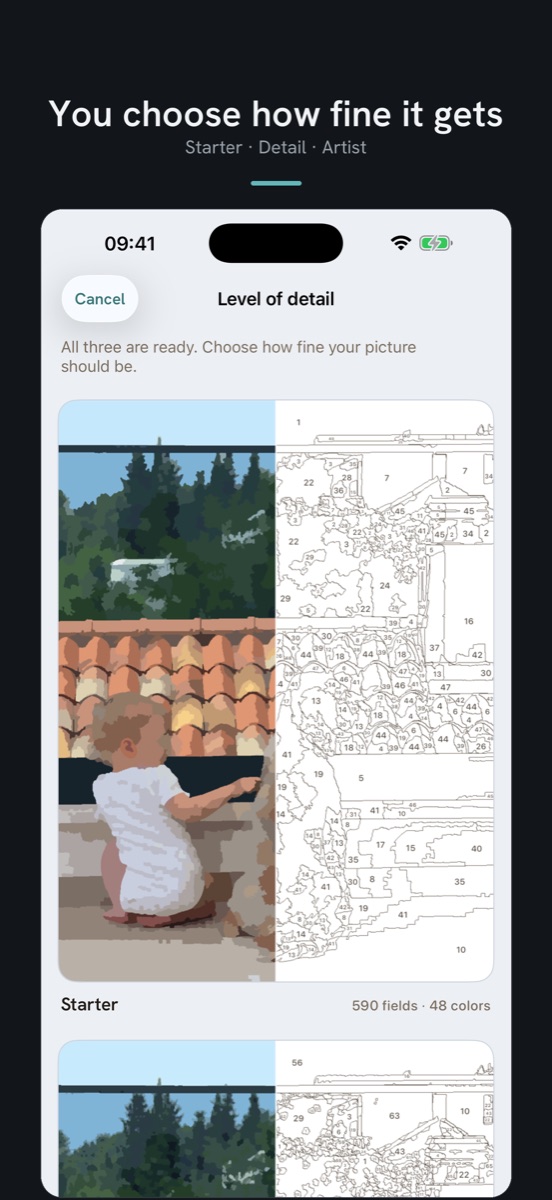
For each level you see the painted result and the template side by side, with the real number of fields for your photo. You know what you're getting into before you start.

A half-painted template
4

Paint

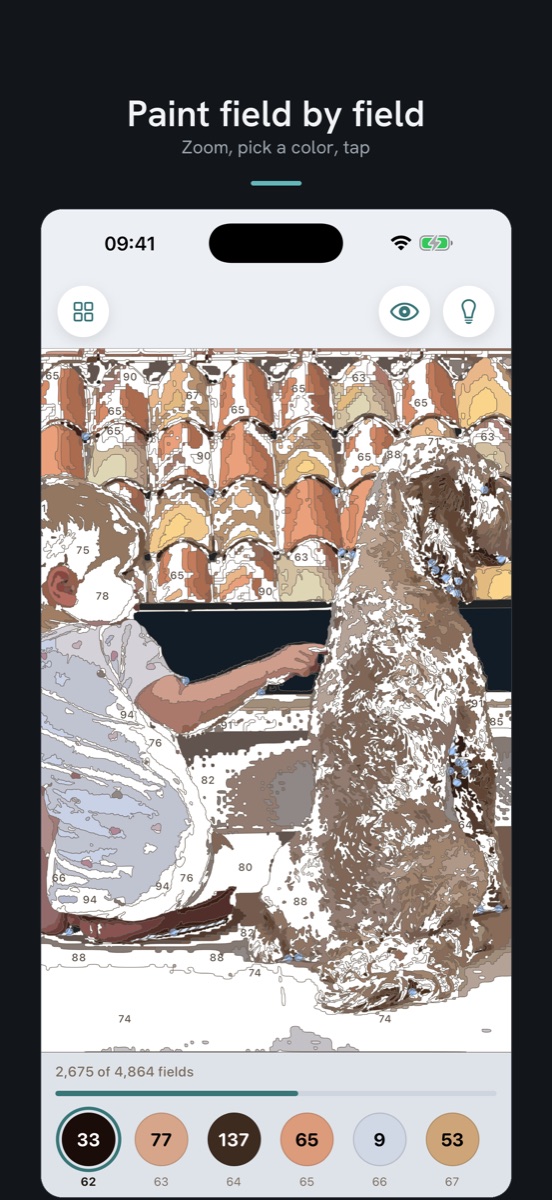
Zoom in, pick a colour, tap. You don't have to hit the spot exactly — the app catches taps nearby. The light bulb shows you the next field, and finished colours disappear from the palette. There's no way to go wrong.

Assets

App icon, App Store screenshots and a time-lapse recorded in the app. Full-resolution originals, iPad screenshots and a founder photo are available on request.

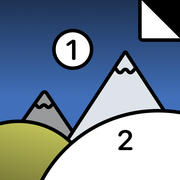
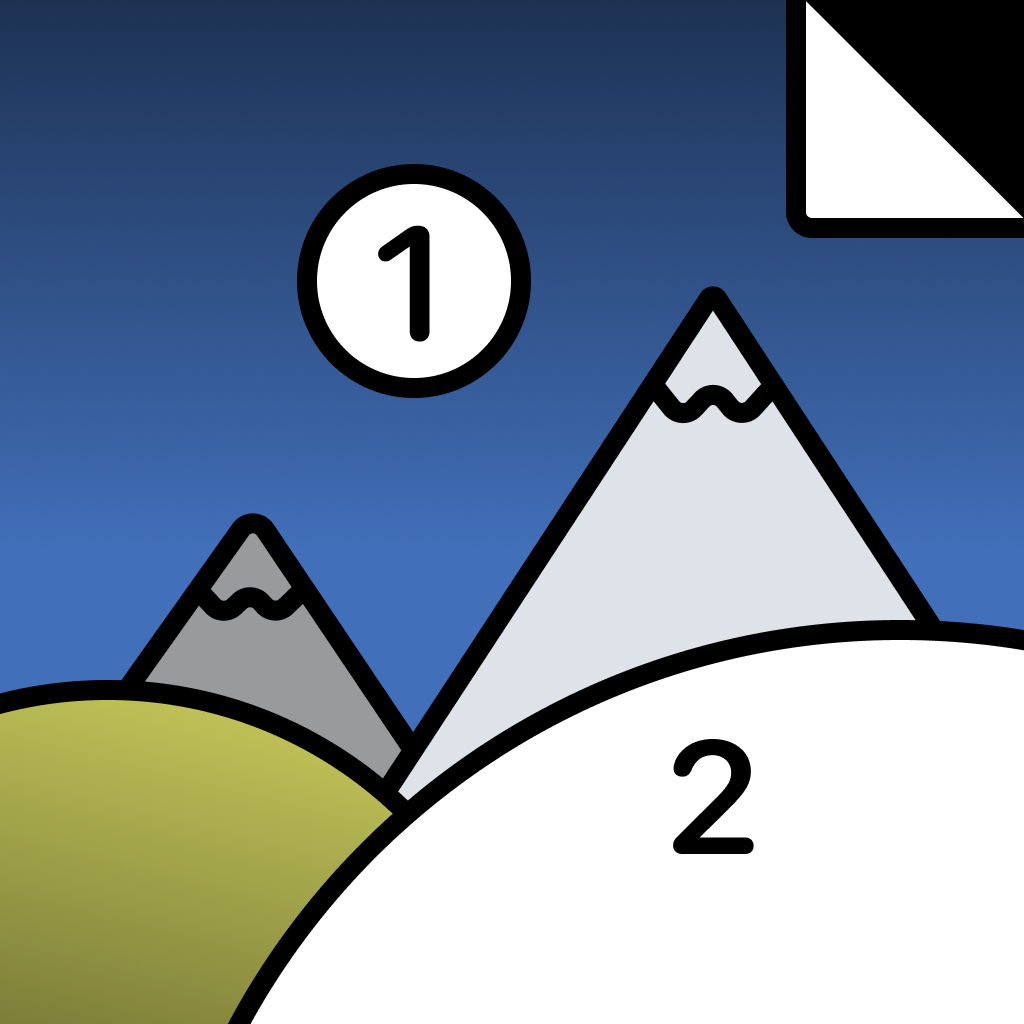
PhotoPaint app icon: a paint-by-numbers template with two mountains, the numbers 1 and 2, a blue sky and a folded corner

App icon

PNG, square, without rounded corners — the platform applies its own mask. Please do not alter, recolour or add effects.

iPhone screenshots

Screenshot: the crop screen with a photo of a child and a dog on a terrace and the caption “Pick your favorite photo”
1 · Pick a photoThe crop suggestion brings the subject forward; the frame can be moved or dragged by its corners.Download JPEG
Screenshot: the conversion in progress, the numbered template spreading over the photo from the top, with the caption “From photo to template”
2 · From photo to templateThe conversion is shown live on the device: the numbered template spreads across the colour areas.Download JPEG
Screenshot: level of detail selection, the Starter card showing the painted result on the left and the numbered template on the right, 590 fields and 48 colours, with the caption “You choose how fine it gets”
3 · Choose a levelEvery level as a card: painted result on the left, template on the right, with the real number of fields for this photo.Download JPEG
Screenshot: painting zoomed in on the numbered template, a progress bar reading 2,675 of 4,864 fields and the colour palette with counters at the bottom, with the caption “Paint field by field”
4 · Paint field by fieldZoom, pick a colour, tap. The palette counts the open fields of every colour.Download JPEG
Screenshot: the finished painting of the child and the dog without numbers or outlines, with the caption “Your painting is done!”
5 · The finished workThe completed picture without numbers and outlines, ready to share or to replay as a time-lapse.Download JPEG

Web copies at 552 × 1200 px, JPEG. The originals are the App Store screenshots at 1320 × 2868 px (PNG, en-US wording) and are available on request, as is the German set and the iPad set.

Time-lapse video

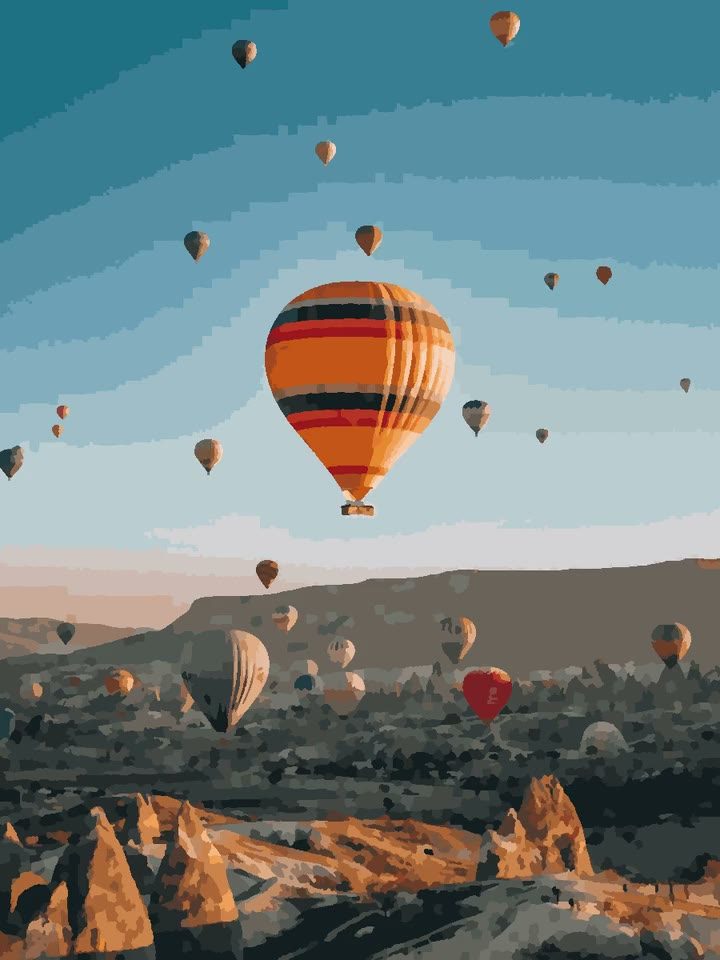
The app remembers every tap. This clip is the time-lapse of a balloon photo painted at Detail level, exported from the app exactly as a user would share it.

Detail level · 1,475 fields · 27 seconds · 720 × 960 px · H.264 MP4 · 0.45 MB. Full resolution on request.

Download on the App Store

App Store link and badge

apps.apple.com/us/app/photopaint-paint-by-numbers/id6804426190 · App ID 6804426190

The badge is Apple's original artwork and subject to Apple's marketing guidelines; please use it unaltered.

Usage. Assets may be used for editorial coverage of PhotoPaint. Please credit “PhotoPaint / healthspan GmbH”. The photo of the child and the dog in the screenshots is a private photo; please use it only as part of the app screenshots shown here, not as a stand-alone image.

Press contact

Interviews, review access, further material or a founder photo: write to us — a person answers, usually within 24 hours.

contact@healthspan.eu

healthspan GmbH, Vienna, Austria · Founder Harald Trautsch